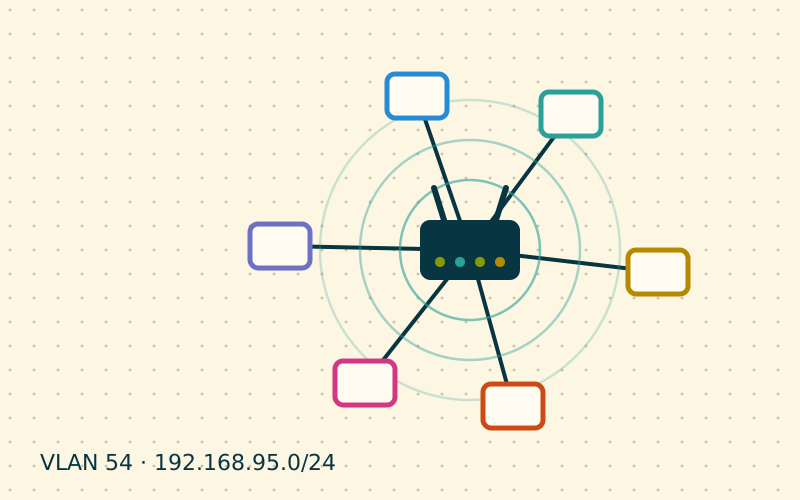
Giving the Wi-Fi password to dinner guests is a courtesy, but it means letting an unknown device into the same network as the NAS, the printers and the work computers. Almost every home router offers a guest network: a simple, often overlooked feature that solves the problem in a few clicks.
What a guest network does
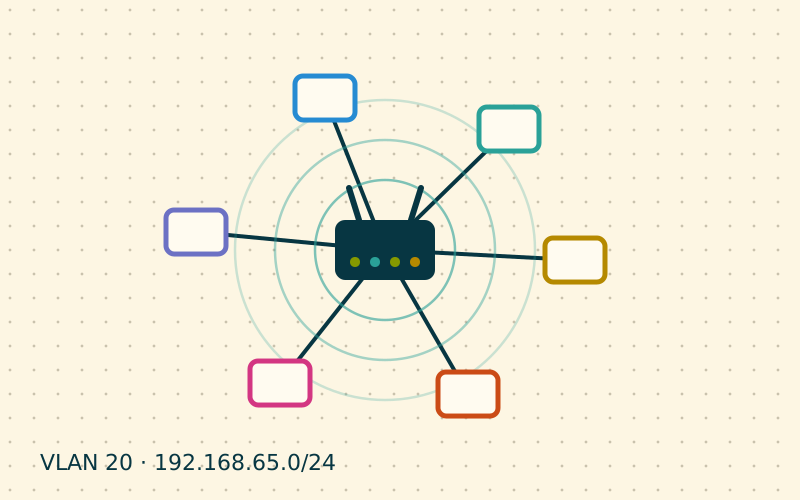
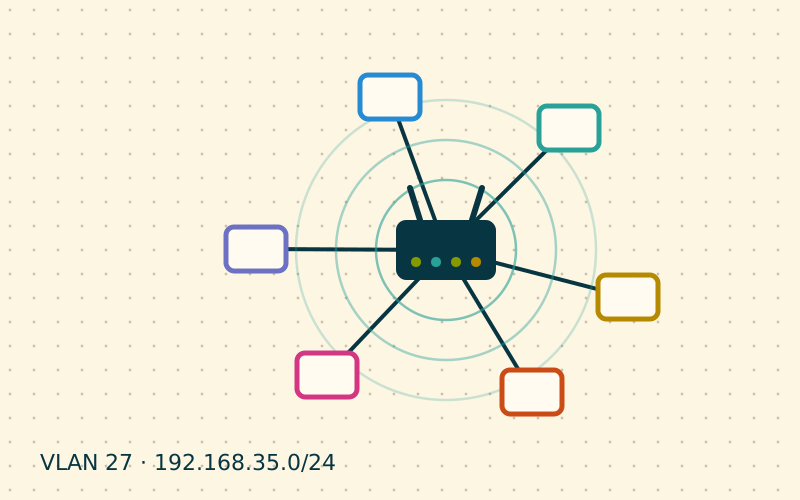
A guest network is a second Wi-Fi network name, with its own password, that the router keeps separate from the main one. Depending on the model, the protections vary:
- separation from the main network: guest devices go out to the Internet but cannot see those at home;
- client isolation: guest devices cannot see each other either;
- blocked router access: the administration interface cannot be reached from the guest network;
- bandwidth or time limits: optional, useful in some situations.
Not every router enables these protections by default. It is worth checking each item in the settings, because on some models the guest network is just a second SSID on the same network, with no separation at all.
Client isolation
Client isolation, sometimes called "AP isolation" or "wireless isolation", prevents devices connected to the same access point from communicating directly. Each device can talk only to the router and therefore to the Internet.
It is useful because an infected guest phone cannot probe other guest devices. It does, however, have a side effect: it also blocks legitimate functions such as casting to a TV or printing to a Wi-Fi printer connected to the same network.
| Situation | Client isolation |
|---|---|
| Network for visitors | On |
| Network for a guesthouse or B&B | On |
| Main family network | Off |
| Network dedicated to IoT devices | Assess case by case |
Recommended configuration
- Enable the guest network only on the band or bands you need. Often the 5 GHz band alone is enough, but older devices may need 2.4 GHz as well.
- Choose a recognisable name, without references to surnames or house numbers.
- Use WPA2 or WPA3 with a password different from the main one. An open guest network, without a password, lets anyone nearby use your connection.
- Verify the separation: with a phone connected to the guest network, try to open the router interface or a NAS folder. It must not work.
- Disable WPS on the guest network, if the router allows it separately.
Sharing the password with a QR code
To avoid dictating long passwords, many routers display a QR code for the guest network. Alternatively, you can generate one using the standard format recognised by phone cameras:
WIFI:T:WPA;S:Home-Guests;P:a-long-password;;
Printed and hung by the entrance or near the sofa, it lets guests connect by pointing their camera at it. When the password changes, just print the sheet again.
Rotating the password
The guest network is meant for people passing through. Changing the password periodically, for example every few months or after an event with many people, prevents dozens of phones from remembering access forever. Some routers also let you set a duration, after which the network switches itself off.
The limits of a guest network
A guest network is an excellent baseline measure, but it has clear boundaries:
- it does not control what guests do on the Internet, which still goes out with your public address;
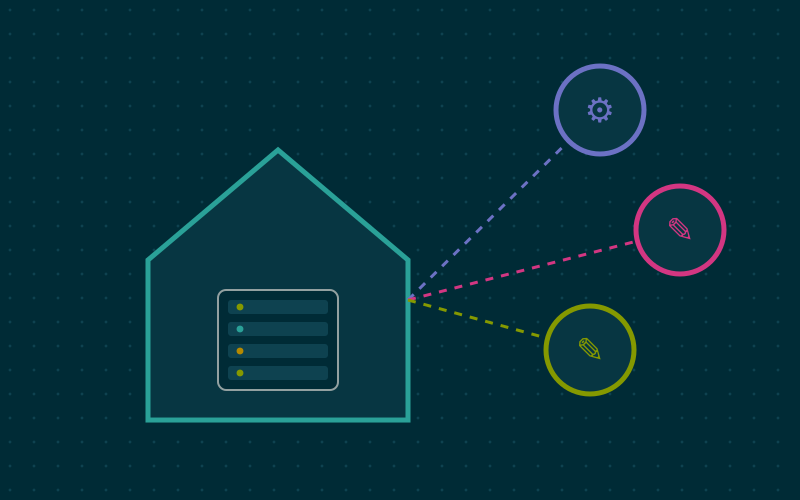
- it does not replace full segmentation with VLANs and firewall rules if you have many different devices to separate;
- low-end routers sometimes offer only partial isolation, vaguely documented.
In my work I often use it for purposes other than guests too: I connect a family member's work laptop to it, so it cannot see personal devices, or a new appliance whose behaviour I do not yet know, while I figure out what it contacts.
In short
- The guest network separates visitors from household devices.
- Check that separation, isolation and blocked administration are enabled.
- Always use a password, different from the main one, and change it now and then.
- A QR code at the entrance makes access easy without dictating passwords.
- More complex needs call for VLANs and dedicated firewall rules.