For anyone working from home, a fixed-line outage is no longer a minor nuisance. A day without connection means missed meetings, unsent files and home services that stop working. Using the phone as a hotspot is an emergency fix, but an awkward one: one device at a time, a draining battery, no home services reachable. An automatic backup connection solves the problem in a much tidier way.
How failover works
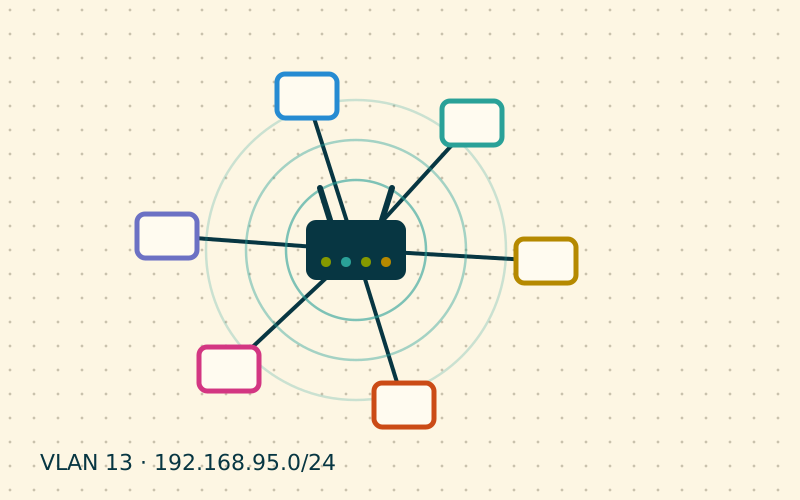
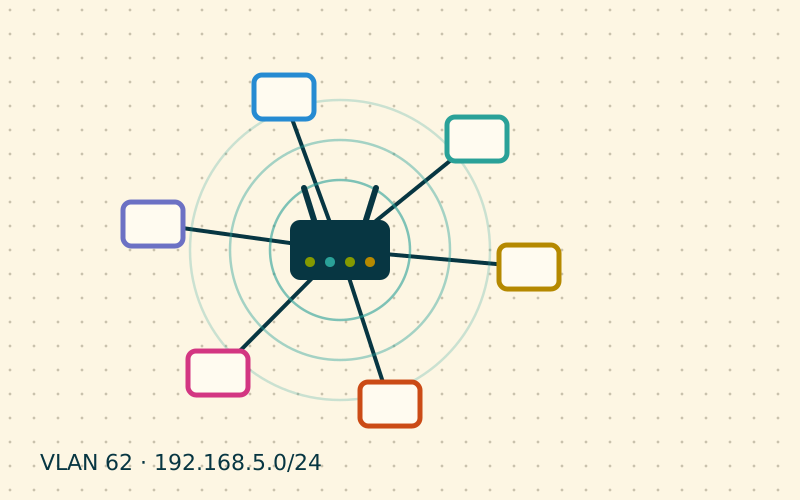
The principle is simple: the router has two exits to the Internet, called WANs. The primary one is the fixed line; the secondary one is a 4G or 5G mobile connection. The router keeps checking that the primary works and, if it stops, moves traffic to the secondary. When the fixed line comes back, traffic returns to it.
For the devices in the home nothing changes: they stay connected to the same Wi-Fi, with the same addresses. You only notice a brief interruption during the switch.
Possible setups
| Solution | How it works | Pros and cons |
|---|---|---|
| Router with built-in mobile modem | A SIM goes straight into the router, next to the WAN port | Compact; the built-in modem is not always the best |
| Dual-WAN router plus separate 4G/5G router | The mobile router connects by cable to the second WAN port | Flexible; the mobile router can go where the signal is best |
| 4G USB dongle on a compatible router | The dongle acts as the second WAN | Cheap; performance and compatibility vary |
| Mesh system with backup feature | Some systems accept a SIM or a second input | Simple; limited configuration options |
The second option is often the best: the mobile router is placed near a window or on an upper floor, where the signal is stronger, and connected to the main router with a cable, even a long one.
Checking reachability properly
The delicate part is how the router decides that the primary line has failed. A check based only on the physical state of the port is not enough: the line may be "connected" but carrying no traffic, for example when the fault is in the provider's network.
Routers with failover features let you set active checks:
- pings to reliable external addresses, chosen from different providers, so the failure of a single service is not mistaken for a line failure;
- number of failed attempts before switching to the backup, to avoid constant switching over a single lost packet;
- return delay before going back to the primary line, to avoid flapping when the line is unstable.
Reasonable values are a check every few seconds, switching after several consecutive failures and returning after a few minutes of stability.
Failover or load balancing
Some routers also offer load balancing, using both lines at the same time. At home it is rarely worth it: the mobile connection usually has data limits and more variable latency, and some services do not like a single user's connections coming from different addresses. For most families pure failover, with mobile used only when the line fails, is the right choice.
Limits of a mobile connection
It is worth knowing in advance how the network changes when it runs on the backup:
- data: with a capped SIM, an automatic computer update or a cloud backup can use up the available gigabytes in no time. Some routers let you block certain devices or services while on the secondary WAN;
- CGNAT: many mobile connections do not provide a public address, so home services reachable from outside through port forwarding stop working. Solutions based on outgoing tunnels keep working instead;
- latency: it is usually higher and more variable than on fibre, fine for work but less suited to online gaming;
- position: quality depends heavily on where in the house the antenna sits.
Test it before you need it
A backup connection that has never been tested is not a backup connection. After installation, simulate a failure by unplugging the primary line's cable and check that the switch happens, that devices keep browsing and that traffic returns when the cable is plugged back in. Repeating the test every few months helps you catch expired SIMs or exhausted credit. In my work I also recommend connecting the main router, the mobile router and the switch to a small UPS: many line failures coincide with brief power cuts.
In short
- A dual-WAN router switches automatically to 4G or 5G when the fixed line fails.
- A separate mobile router, placed where the signal is best, performs better.
- Set reachability checks to several external addresses and cautious return delays.
- At home, pure failover beats load balancing.
- Allow for data limits and CGNAT, and test the switch periodically.