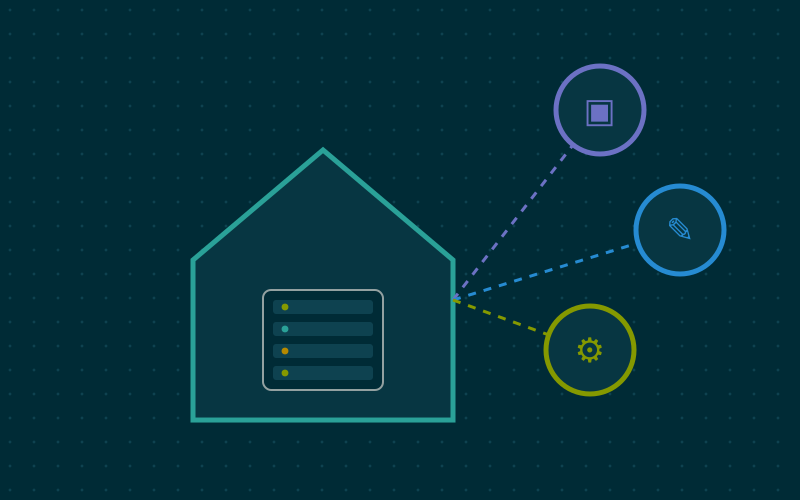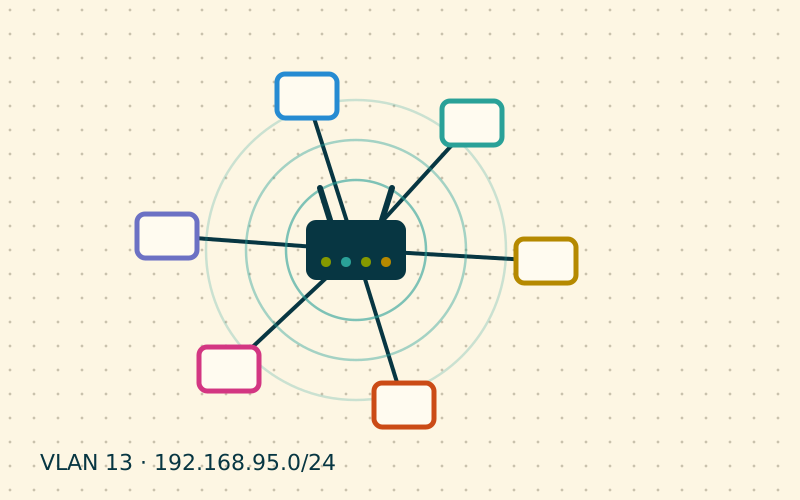
When a house is wired with several network points, all the cables converge on a single place: the central hub. It can be a storage cupboard, a space under the stairs, a corner of the garage or a small cabinet in the hallway. If it is well organised, adding a device or finding a fault takes a minute. If it is a tangle of cables pushed straight into the switch, every intervention becomes an investigation.
Choosing the location
The ideal hub has a few specific features:
- it is close to where the provider's line enters, or at least reachable with a cable;
- it has a dedicated power socket, ideally protected by an uninterruptible power supply;
- it is ventilated and not exposed to humidity or extreme temperatures, like an attic in summer;
- it is accessible without moving furniture or boxes;
- it is central enough to keep cable runs to the rooms reasonably short.
Rack cabinet: sizes and measurements
Cabinets for network equipment follow two standard widths: 19 inches, the professional one, and 10 inches, more compact and suitable for many homes. Height is measured in rack units (U), where one unit is about 4.45 centimetres.
| Component | Typical space |
|---|---|
| 12- or 24-port patch panel | 1U |
| Switch | 1U |
| Horizontal cable manager | 1U |
| Shelf for modem, router or mini PC | 1-2U |
| Rack power strip | 1U |
A 6-9U wall-mounted cabinet is enough for most homes and leaves room to grow. Choose the depth according to the equipment you want to house: a small server or a NAS needs more space than a switch.
Why use a patch panel
A patch panel is a row of keystone or punch-down jacks mounted in the rack. The solid cables coming from the rooms are terminated on the back of the panel and stay put for good. On the front, short flexible patch cords connect to the switch.
The benefits are concrete:
- the installation cables are never touched again, so they do not get damaged;
- moving a room from one network to another only takes swapping a patch cord;
- the ports are numbered and match the jacks in the rooms;
- if an installation cable fails, you isolate it immediately.
Plugging solid cables straight into the switch with RJ45 plugs works, but single-wire conductors cope poorly with repeated movement and can break over time.
Recommended layout
A top-to-bottom sequence that almost always works:
- patch panel;
- switch, right below, so patch cords are very short;
- cable manager to keep the patch cords tidy;
- shelf with modem, router and any other equipment;
- power strip and, if there is room, a UPS at the bottom.
Patch cords of 15-30 centimetres keep the front neat. Using different colours for different roles helps: for example blue for room outlets, yellow for access points, red for the link to the router.
Labels and numbering
The most useful rule is that the same number appears in three places: on the wall jack, on the cable behind the patch panel and on the front port of the panel. A simple scheme is "room and number": LR1 and LR2 for the living room, ST1 for the study, AP1 for the hallway access point.
Handwritten labels fade and peel off; labels printed with a small label maker and wrapped around the cable last for years.
Documenting the installation
A spreadsheet is enough. Each patch panel port needs only a few columns: number, room, wall jack, connected switch port, usual device, VLAN if any, and notes on length or known faults. Adding an up-to-date photo of the rack after each change makes the document even clearer.
In my work this table is what saves the most time: when someone calls saying that "the socket in the bedroom doesn't work", one glance tells you which port and which cable to check.
Ventilation and power
PoE switches, routers and mini PCs produce heat. In a closed cabinet the temperature can rise a lot, shortening the equipment's life. If the cabinet lacks enough vents, you can add a roof fan, ideally a quiet one controlled by a thermostat. Leaving one empty unit between the hottest devices helps.
For power, a rack strip with a master switch avoids multi-plug adapters lying on the floor. If there is a UPS, connect at least the modem, router and switch to it, so a short outage does not bring the network down.
In short
- Place the hub close to the line, somewhere ventilated and accessible.
- A 10- or 19-inch cabinet of 6-9U is enough for most homes.
- A patch panel protects the installation cables and makes changes instant.
- The same number on jack, cable and panel saves any searching.
- An up-to-date table and a photo of the rack are worth more than any memory.