Anyone who writes code, scripts or even just configuration files sooner or later needs somewhere to version them. Public platforms are convenient, but not everything you write should live on someone else's servers: the configuration of your home server, for example, contains addresses, names and details best kept private. Forgejo is a free, lightweight and complete software forge, perfect for a home server.
What Forgejo is
Forgejo started as a fork of Gitea and is developed by a community under the umbrella of the non-profit association that runs Codeberg. It offers what you would expect from a modern Git platform: repositories, a web interface for browsing code, issues, pull requests, wikis, releases and a package registry. It is written in Go, ships as a single binary or as a container image, and runs comfortably even on modest hardware.
Installation: the important choices
The container version is the easiest to maintain. The decisions to make on first start are few but long-lasting:
- Database: SQLite is enough for personal or family use; PostgreSQL is preferable if you expect many users or heavy automation.
- SSH access: Forgejo can handle Git connections over SSH. If the home server already uses port 22 for administration, expose Forgejo's on another port, for example 2222.
- Public address: the root URL field must match the name you will connect with, otherwise the clone links shown in the interface will be wrong.
- Registration: for a private instance it is wise to disable open sign-up and create accounts by hand.
On the client side, cloning over SSH on a different port is set up once in the ~/.ssh/config file:
Host git.home
  HostName git.home.example
  Port 2222
  User git
From then on, git clone git.home:family/scripts.git is all it takes.
What to host
A personal Git server becomes useful in ways you do not always imagine at the start.
Service configuration
All container compose files, reverse proxy rules and backup scripts find a home in a repository. Every change has a date and a description, and you can go back when a change causes problems. Files with passwords and keys should be excluded with .gitignore or encrypted with dedicated tools, even if the repository is private.
Mirrors of the projects you depend on
Forgejo can create mirrors of external repositories and update them at regular intervals. This is useful for keeping a copy of the projects you trust: if a public repository disappears or changes licence, your copy remains.
Documentation and technical notes
A wiki or a simple repository of Markdown files is an excellent place for home server documentation: where each service lives, how to restore it, which emergency passwords exist and where they are kept.
Forgejo Actions
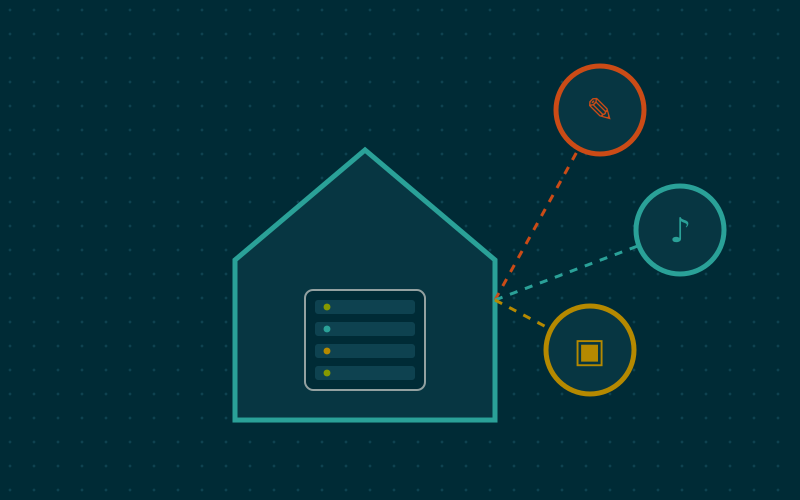
Forgejo includes an automation system called Actions, with a workflow syntax very similar to GitHub Actions. Jobs are executed by a separate component, the runner, which is installed on its own and registered with the instance.
Some practical uses at home:
- Checking the syntax of YAML files on every change to the configuration repository.
- Generating and publishing a personal static site when its content changes.
- Building container images for your own small projects.
The runner executes code: treat it with care, preferably isolated in a container or virtual machine, and register it only for your own repositories.
Security and backups
A Forgejo instance often holds important code and configuration, so it deserves the same care as other critical services:
| Aspect | Practical guidance |
|---|---|
| Exposure | Home network or VPN only, unless you need to collaborate with outsiders |
| Authentication | SSH keys for Git, a second factor for the web interface |
| Backup | The forgejo dump command, or copying data and database with the service stopped |
| Updates | Read the release notes, as for any service with a database |
The dump command produces an archive with repositories, database and configuration, easy to include in the nightly backup.
Connecting to the rest of the world
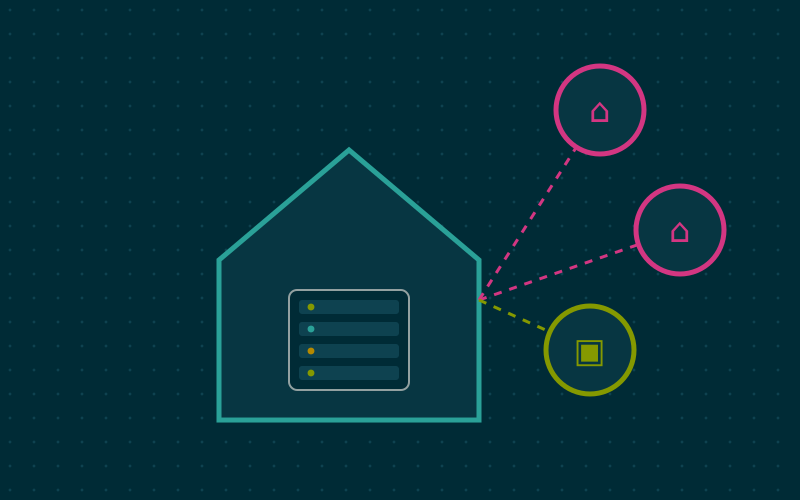
Hosting at home does not mean isolating yourself. You can keep private work on Forgejo and publish projects meant for others on a public platform, using push mirrors: every change pushed to your own server is automatically replicated to the public repository. That way the primary copy stays under your control.
In short
- Forgejo is a free, lightweight Git forge, suitable even for modest hardware.
- On first start, the database, SSH port, root URL and closed registration matter most.
- Configuration, mirrors and server documentation are the most useful home uses.
- Actions automate checks and publishing, with a runner that should be isolated.
- Dump-based backups and push mirrors to public platforms complete the picture.