Every time you open a website, the device asks a DNS server to translate the name into an IP address. With traditional DNS this question travels in clear text: anyone on the path, starting with the provider, can see which names are requested and in theory alter the answers. Encrypted DNS solves the problem, but on a home network it raises a new question: who decides which DNS to use, the network or the individual device?
DoH and DoT: two ways to encrypt
There are two main protocols, with the same goal and one important practical difference.
| Feature | DNS over TLS (DoT) | DNS over HTTPS (DoH) |
|---|---|---|
| Port | 853, dedicated | 443, the same as the web |
| Recognisable on the network | Yes, by its port | Hard to tell apart from web traffic |
| Typical use | Routers, resolvers, Android | Browsers, operating systems |
| Blockable by the network | Easily | Only with lists of known servers |
In terms of privacy they are equivalent. From the point of view of whoever manages the network, DoT is transparent: you can see it is there and govern it. DoH blends in with normal browsing.
Where to encrypt: device or home resolver
There are two possible strategies, and it pays to choose one clearly.
Encryption on the home resolver
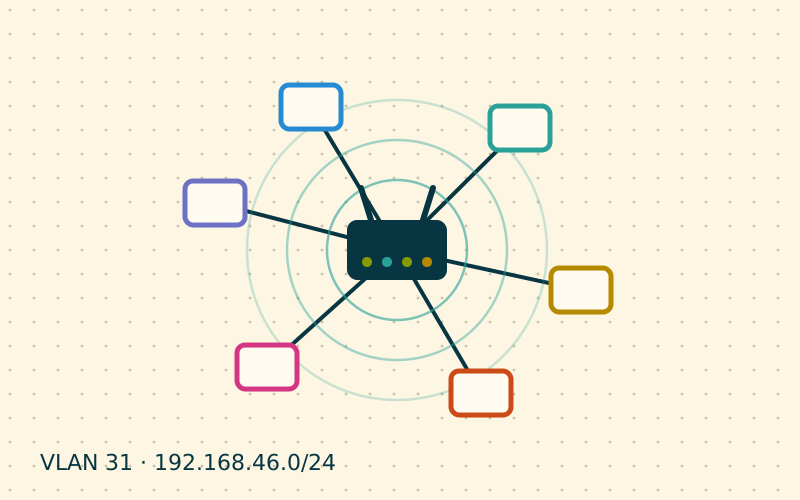
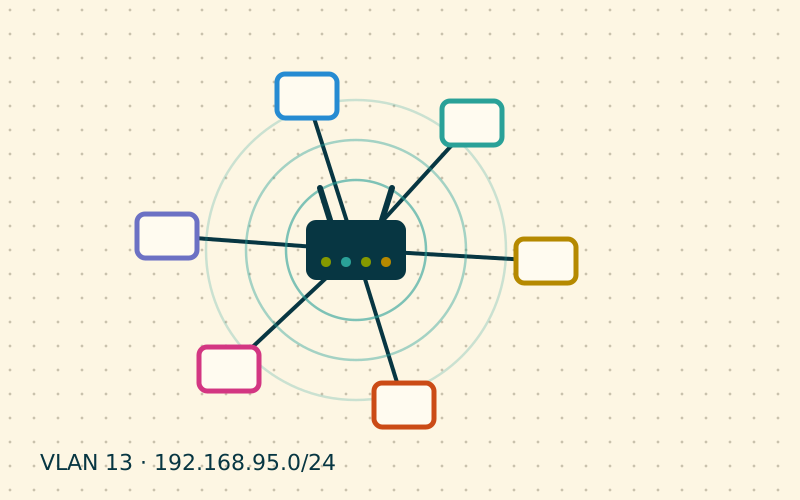
Every device asks the local resolver for DNS: the router, a Pi-hole, an AdGuard Home. It is the resolver that forwards requests outwards using DoT or DoH. This way:
- the DNS traffic leaving the home is encrypted and the provider cannot read it;
- the DNS filter, local names and logs stay centralised;
- devices do not need to be configured one by one.
The stretch between device and resolver remains unencrypted, but it is inside the home. For a home network this is the most balanced solution.
Encryption on the individual device
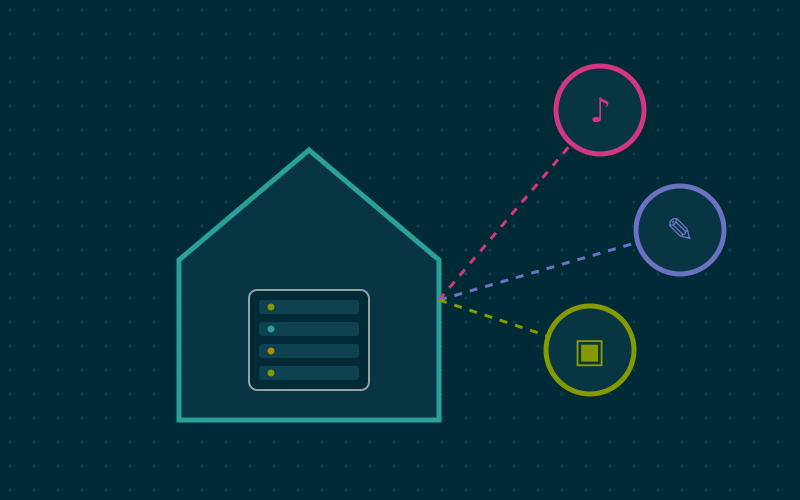
The browser or operating system uses an external DoH server directly. This is useful on a laptop that often connects to public networks, but at home it bypasses the local resolver: the ad filter stops working, local names do not resolve and DNS-based parental controls become ineffective.
When devices bypass the resolver
Many browsers enable DoH automatically in some countries or at the user's request. Some apps and smart devices use their own DNS servers, in clear text or encrypted, ignoring the one handed out by DHCP. There are a few countermeasures, to be used in order.
- Configure the devices you control: in the browser settings you can turn off secure DNS or set the home resolver as the server, if it offers DoH.
- Use Firefox's canary domain: before enabling DoH automatically, Firefox checks the domain
use-application-dns.net. If the local resolver answers that the domain does not exist, automatic activation does not happen. Pi-hole and AdGuard Home can do this with a setting. - Redirect port 53: a router rule that intercepts all clear-text DNS heading outside and sends it to the local resolver catches devices with hard-coded servers.
- Block outgoing port 853: devices attempting DoT to the outside, when they fail, usually fall back to the DNS received from the network.
- Block known DoH servers: there are public lists of DoH servers that can be used as blocklists in the DNS filter. They are never complete, but they cover the most common cases.
An example configuration
In a typical home, a solid configuration might look like this:
- AdGuard Home or Pi-hole as the only DNS handed out by DHCP;
- upstream forwarding via DoT or DoH to two different providers, for redundancy;
- a negative answer for Firefox's canary domain;
- a router rule redirecting port 53;
- outgoing port 853 blocked for everyone except the resolver.
The laptop that leaves the house can have its own DoH profile, active only when it is not on the home network. Some operating systems let you set this per network.
What encrypted DNS does not do
It is important not to overestimate it. Encrypted DNS hides DNS queries, but the site you visit remains visible to the provider in other ways: the destination IP address and, in many cases, the site name sent while the encrypted connection is being set up. It is not a VPN and it does not make you anonymous. It is a useful piece of privacy, especially against systematic collection of visited names and against tampering with answers.
In my work I nearly always prefer to encrypt on the home resolver and keep devices simple: you get the same privacy towards the outside without giving up visibility of what happens on the network.
In short
- DoT uses port 853 and is recognisable; DoH travels on 443 like the web.
- At home it is best to encrypt on the local resolver, which forwards via DoT or DoH.
- DoH configured on individual devices bypasses the filter and local names.
- Redirecting port 53 and blocking 853 limits devices that bypass the resolver.
- Encrypted DNS protects DNS queries, but it is no substitute for a VPN.