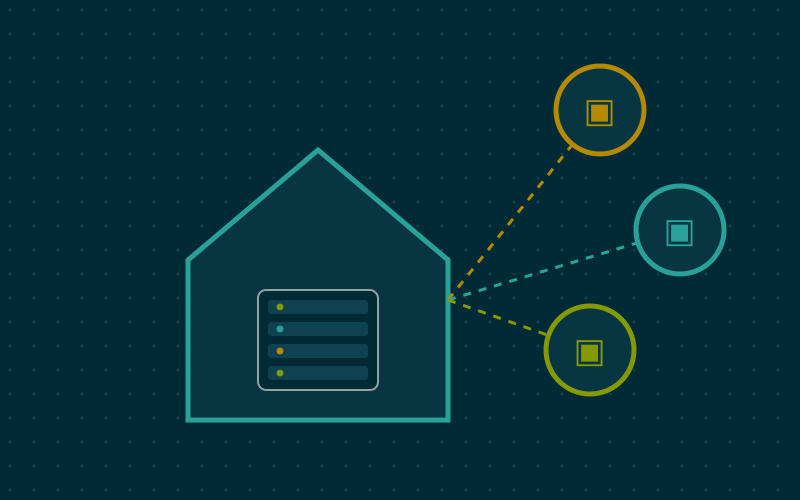
Exposing the NAS or CCTV dashboard to the Internet so you can use it from outside is one of the riskiest choices you can make on a home network. The right alternative is a VPN that brings your phone or laptop "inside the home" in encrypted form, leaving everything else closed. WireGuard is today the simplest way to do it.
Why WireGuard
WireGuard is a modern VPN protocol, with compact code and a minimal configuration. Compared with older solutions it has some practical features that are very useful at home:
- it uses a single UDP port, easy to forward on the router;
- it does not respond to unauthenticated packets, so from outside the port looks closed;
- it reconnects quickly when the phone switches from Wi-Fi to mobile data;
- it is built into the Linux kernel and available on all major systems, as well as on many routers and alternative firmware.
The elements of a configuration
Each participant, called a peer, has a key pair: a private key, which never leaves the device, and a public key, which is given to the other side. There are no usernames or passwords: whoever holds the right private key gets in, nobody else does.
On the home side, on the router or a small always-on server:
[Interface]
Address = 10.8.0.1/24
ListenPort = 51820
PrivateKey = <server private key>

[Peer]
PublicKey = <phone public key>
AllowedIPs = 10.8.0.2/32
On the phone:
[Interface]
Address = 10.8.0.2/32
PrivateKey = <phone private key>
DNS = 192.168.1.1

[Peer]
PublicKey = <server public key>
Endpoint = <home public address or name>:51820
AllowedIPs = 192.168.1.0/24, 10.8.0.0/24
PersistentKeepalive = 25
Port 51820 is the conventional one, but another can be chosen.
AllowedIPs: the setting that confuses everyone
AllowedIPs has two meanings depending on direction:
- outbound it states which destinations go through the tunnel;
- inbound it states which source addresses are accepted from that peer.
On the server, 10.8.0.2/32 means: from this phone I accept only packets with that address. On the phone, 192.168.1.0/24 means: traffic to the home network goes through the tunnel, everything else leaves normally.
Split or full tunnel
| Mode | AllowedIPs on the client | Effect |
|---|---|---|
| Split tunnel | Home network and VPN network | Only traffic to home goes through the tunnel |
| Full tunnel | 0.0.0.0/0, ::/0 |
All traffic leaves from home |
A split tunnel is lighter and is enough to reach the NAS. A full tunnel is useful on public Wi-Fi networks you do not trust, because all browsing goes through the home connection, at the cost of using its upload bandwidth.
The home router
For the phone to reach the server from outside, two things are needed:
- a forward of the chosen UDP port from the router to the device running WireGuard, if it is not the router itself;
- a reachable address: a public IP, fixed or handled with a dynamic DNS service.
If the provider uses CGNAT and you have no public IP, forwarding does not work: you need another route, such as an intermediate server or an overlay network.
If WireGuard runs on a device other than the router, that device must know how to return packets to VPN clients. The simplest solutions are enabling NAT on the tunnel interface or adding a static route on the router towards the 10.8.0.0/24 network.
Good practices
- One peer per device: phone, laptop and tablet each have their own keys. If you lose the phone, you remove only that peer.
- The QR code: many apps let you import the configuration by scanning a QR code generated on the server. It is convenient, but the QR contains the private key: show it only on screen and do not save it anywhere.
- Internal DNS: by setting the home DNS in the configuration, local names work from outside too.
- Avoid overlaps: if the home network uses
192.168.1.0/24, the same numbering as many hotels and offices, routes can conflict. In my work I prefer to number the home network with a less common range.
In short
- WireGuard lets you reach home without exposing individual services.
- Each device has its own keys; no passwords to guess.
- AllowedIPs decides what enters the tunnel and what is accepted.
- You need a forwarded UDP port and a reachable public address.
- Choose between split and full tunnel based on the network you connect from.