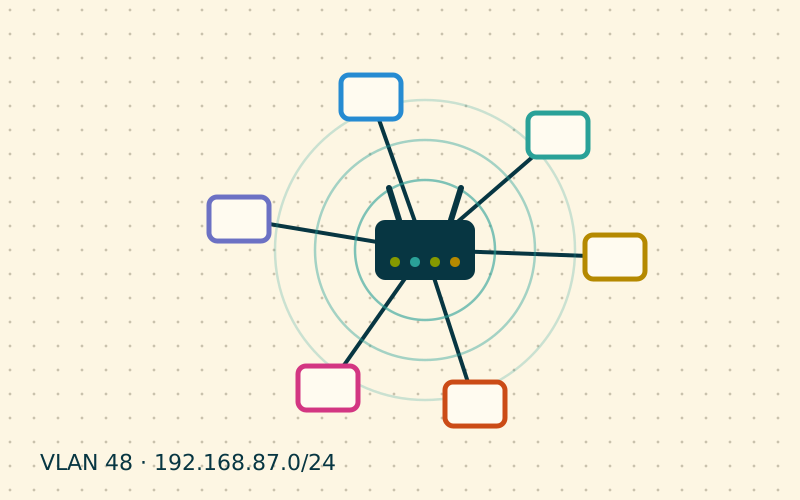
When a room stays without coverage, the best-selling fix is the plug-in extender: plug it in, press a button and the signal arrives. It works, but with a hidden cost few people know about. To understand when an extender is enough and when a real access point is needed, we have to talk about backhaul, the link that carries data from the router to the point that distributes it.
How an extender works
A Wi-Fi extender receives the router's signal over the air and retransmits it, again over the air. The problem is that Wi-Fi, on a given channel, allows only one transmission at a time. An extender with a single radio must therefore alternate: first it listens to the router, then it talks to the phone, then to the router again. Every packet travels twice through the same radio space.
The practical result:
- the usable speed for devices connected to the extender is often about half of what the extender receives;
- latency increases and becomes more irregular;
- if the extender is placed where the router's signal is already weak, it retransmits a slow, unstable signal.
Dual-band or tri-band models mitigate the problem by dedicating one band to the link with the router and another to devices, but the link to the router is still radio, with all the limits of distance and obstacles.
How a wired access point works
An access point (AP) connected by Ethernet cable receives data from the router along the wire and uses its radio only to talk to devices. There is no double hop and no dependence on the quality of the router's signal at that spot.
| Aspect | Radio extender | Wired access point |
|---|---|---|
| Link to router | Wi-Fi | Ethernet |
| Usable speed | Reduced, often halved | Close to local Wi-Fi speed |
| Latency | Higher and variable | Low and stable |
| Placement | Tied to the router's signal | Free, wherever the cable reaches |
| Installation | Immediate | Requires a cable or an alternative |
If a cable cannot be run, a powerline or MoCA link to the access point is usually still better than a radio extender, provided it is stable.
Where to put the extender, if it is the only choice
If an extender is the only option, the rule is: halfway, not in the room without coverage. It must receive the router well and at the same time reach the problem area. Many extenders have a link quality indicator: aiming for a good signal towards the router matters more than being close to the devices.
Setting up several access points in the same home
With two or three wired APs, configuration makes the difference between a smooth network and one full of micro-interruptions.
Same name, same password
Give all APs the same SSID, the same password and the same security type. Devices then see them as a single network and can move from one to another. Different SSIDs force you to switch networks by hand.
Different channels
Neighbouring APs must use different channels, so they do not compete for the same radio space. On 2.4 GHz alternate 1, 6 and 11; on 5 GHz choose non-overlapping blocks.
Moderate power
With several access points it is better to reduce transmit power. If every AP shouts at full power, the phone stays attached to the distant one even when it is next to another. Medium power encourages a natural move to the nearest unit.
A single DHCP server
Access points must run in AP or bridge mode, without their own DHCP server or their own NAT network. Addresses and gateway are assigned only by the main router. If an AP creates a separate network, you get double NAT and devices cannot see each other.
A concrete example
A two-storey house with the router on the ground floor and bedrooms upstairs. With an extender on the landing, the PC in the bedroom measured modest speed and latency that rose during video calls. Once the extender was replaced with an AP connected by a cable run through the stairwell, the bedroom reached speeds comparable to those near the router and video calls became stable. In my work this is a recurring scenario: the first step is not the most expensive device, but the best link between router and access point.
In short
- A radio extender uses the same radio space twice and often halves the speed.
- A wired access point removes the double hop and offers stable latency.
- If you use an extender, place it halfway, where it receives the router well.
- Several APs: same SSID and password, different channels, moderate power.
- Only the main router should run DHCP; APs work in bridge mode.