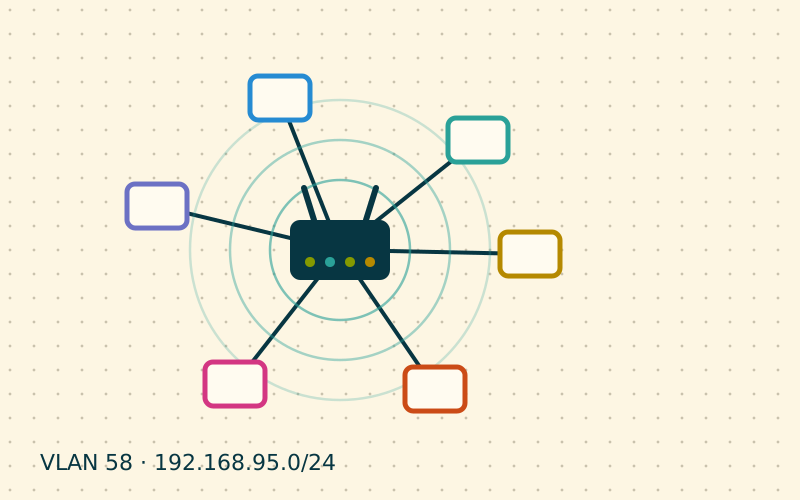
The router nearly always ends up where the line comes in: at the entrance, inside a living room cabinet, behind the television. It is the convenient spot for the installer, rarely the right one for the people using the network. Moving it a few metres can be worth more than any advanced setting.
The principle: central and in the open
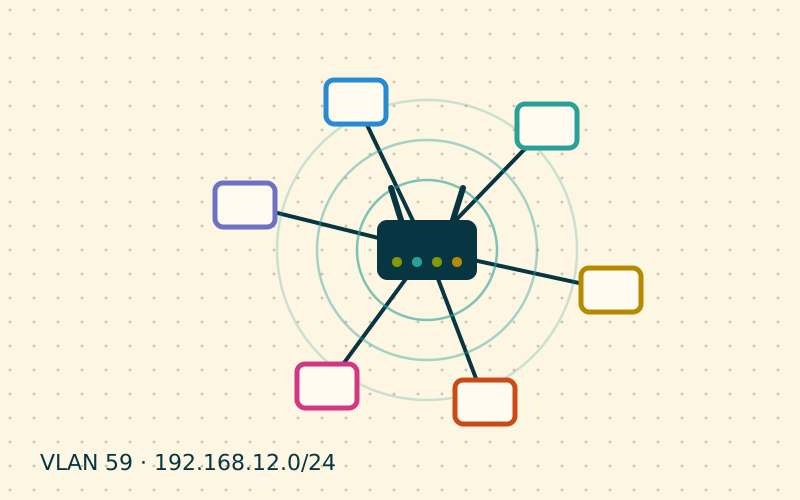
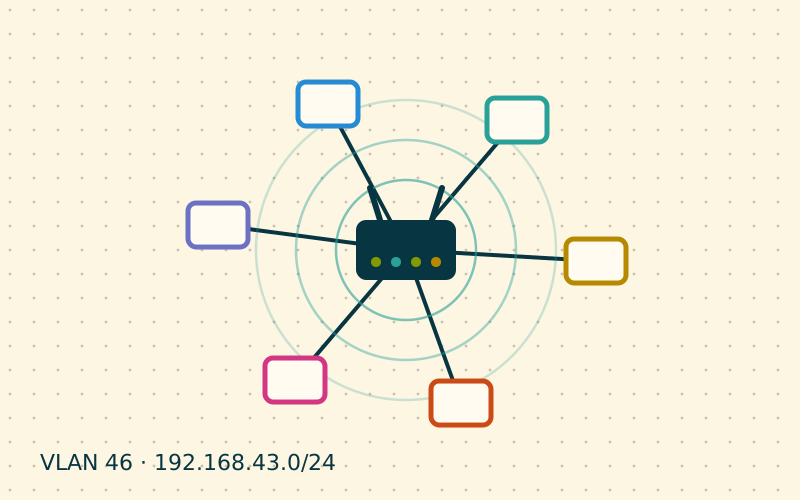
A router with omnidirectional antennas radiates the signal more or less in every direction, like a light bulb. If you put it against an outer wall, half the coverage goes outside or to the neighbour. If you put it in the middle of the home, the same power is spread where it is needed.
The three basic rules are:
- Central position: as close as possible to the centre of gravity of the spaces where you use the network, not to the geometric centre of the floor plan.
- Height: on a shelf or a tall piece of furniture, around one and a half metres. At floor level the signal meets furniture, people and objects.
- Free air: out of closed cabinets, decorative boxes and alcoves. A wooden cabinet attenuates little, but one with mirrored doors or a metal back attenuates a lot.
The materials that matter
Not all obstacles are equal. What counts is the composition, not the apparent thickness.
| Obstacle | Effect on the signal |
|---|---|
| Plasterboard, wood, plain glass | Low attenuation |
| Solid brick, load-bearing walls | Medium or high attenuation |
| Reinforced concrete, floor slabs | High attenuation |
| Mirrors, low-emissivity glass, metal sheets | Reflection and very high attenuation |
| Water: aquariums, boilers, filled radiators | Marked absorption |
In homes with reinforced concrete walls and steel rebar, two walls can be enough to make a room almost unreachable on 5 GHz. In these cases no position solves everything and a second access point is needed, but placement is still the first step to understand how much is missing.
Watch out for the kitchen too: fridge, oven and dishwasher are large metal boxes, and the microwave oven directly disturbs the 2.4 GHz band while it is running.
Antennas
If the router has adjustable external antennas, orientation matters. A rod antenna radiates mainly on the plane perpendicular to its axis: vertical means horizontal coverage on the same floor, tilted or horizontal helps reach the floor above or below.
With several antennas, a simple strategy is to alternate: some vertical, others tilted at about 45 degrees. This way devices, whose internal antennas are oriented in different ways, always find a compatible polarisation.
With internal antennas there is not much to adjust, but the orientation of the unit still has an effect: manufacturers often indicate how to stand it, upright or lying flat.
When the line arrives in the wrong place
Often the fibre or telephone socket is in a corner and moving the router seems impossible. There are several alternatives:
- An Ethernet cable from the modem or ONT to the middle of the home. A flat cable along a skirting board is not elegant, but it is extremely effective.
- Separate the roles: the modem stays at the entrance and an access point, or the actual router, goes in the ideal position connected by cable.
- Move the socket: in many homes the conduit already exists and an electrician can bring the line to a better spot.
Wiring what does not move, such as TV, consoles and desktop PC, also frees radio airtime for mobile devices.
Check with measurements, not impressions
"The Wi-Fi feels better" is a fragile judgement. Before moving the router, it is worth drawing a small map:
- Pick five or six fixed points in the home: desk, sofa, bedroom, kitchen, balcony.
- At each point note the signal strength in dBm, shown in many Wi-Fi analysis apps or in the phone's advanced settings.
- Run a speed test towards a device or service that is always the same.
- Move the router and repeat the same measurements at the same points.
As a rough reference, a signal around -50/-60 dBm is excellent, between -65 and -70 it is usable, below -75 slowdowns and drops begin. In my work this handwritten little table has settled more arguments than any theory.
Common mistakes
- Hiding the router behind the TV: the screen has a metal frame and there is often a closed cabinet as well.
- Putting the router on the floor because "it works anyway".
- Thinking that maximum power makes up for a bad position: it also increases interference with nearby networks.
- Coiling the power cable or stacking other heat-producing devices on top of the router.
In short
- The router performs best in a central, raised and open position.
- Reinforced concrete, metal, mirrors and water are the worst obstacles.
- With external antennas, alternate vertical and tilted orientations.
- If the line arrives in a corner, bring the signal to the centre with a cable.
- Measure before and after at the same points instead of trusting impressions.