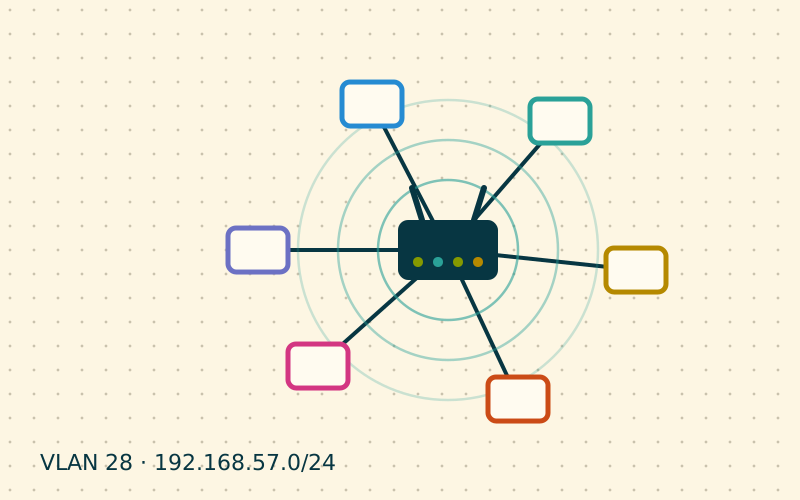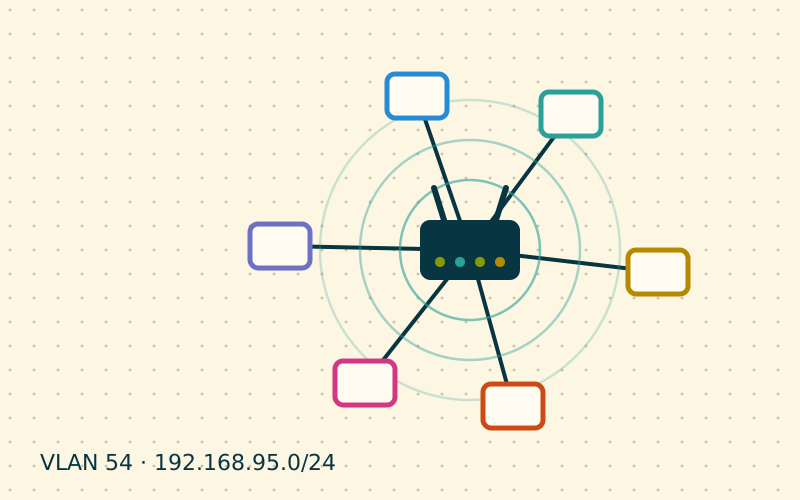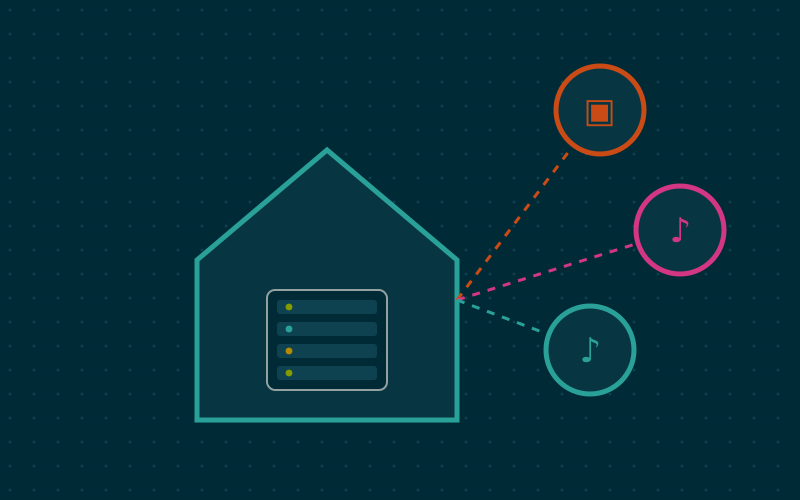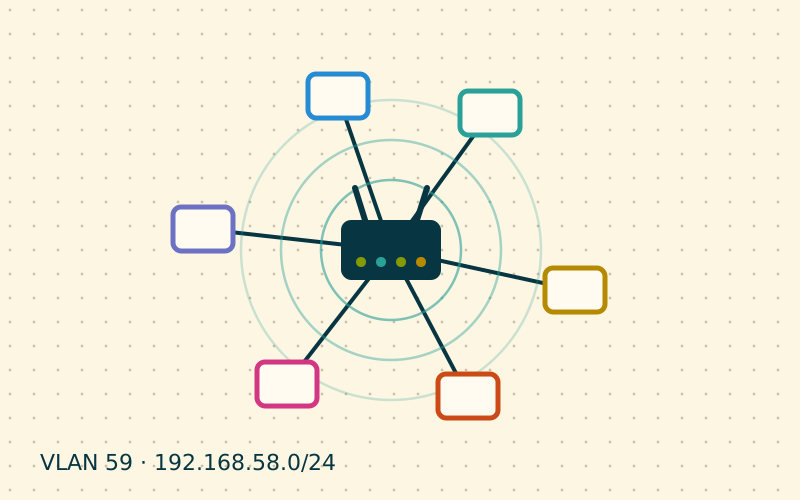
Separating televisions, printers and smart devices from the computers' network is good practice. The next day, however, comes the inevitable question: why can the phone no longer find the TV? The problem is not the separation itself, but the way these devices discover each other. Understanding it lets you keep segmentation without giving up convenience.
Why separation breaks discovery
Casting, AirPlay, network printers and multiroom speakers use discovery protocols based on multicast: the phone asks the whole network "who can play video?" and the TV answers. The main ones are mDNS (with the .local suffix) and SSDP, used by UPnP and DLNA.
Multicast packets of this kind stay confined to the local network where they originate. When phone and TV sit on two different networks, the question never reaches the other side. The actual connection, once the address has been discovered, is ordinary unicast traffic, which a router can route without trouble if the rules allow it.
The problem therefore splits into two parts:
- getting discovery from one network to the other;
- allowing the subsequent connection, and only that.
The mDNS reflector
An mDNS reflector, also called a repeater or proxy, listens for announcements on one network and repeats them on the other. Many advanced routers and alternative firmware include one; on Linux the Avahi daemon has a dedicated option:
[reflector]
enable-reflector=yes
Important precautions:
- limit the reflector to the interfaces you need, for example main network and media network, leaving out the guest network;
- some products offer filters by service type: you can repeat only printers and casting, not everything;
- SSDP and DLNA need a different component, because they are a protocol distinct from mDNS.
Targeted firewall rules
Repeating announcements is not enough: after discovery, the phone must be able to connect to the TV. This is where the most important principle of segmentation comes in: the trusted network may initiate connections to the less trusted one, not the other way round.
A typical rule structure:
| From | To | Action |
|---|---|---|
| Main network | Media/IoT network | Allowed |
| Media/IoT network | Main network, return traffic | Allowed |
| Media/IoT network | Main network, new connections | Blocked |
| Media/IoT network | Internet | Allowed or limited |
| Guest network | Internal networks | Blocked |
"Return traffic" means connections the firewall recognises as a response to a request that started from the main network. In firewalls these are often called "established" and "related" connections. This way the TV can answer the phone, but cannot start exploring the computers.
Special cases
Some protocols complicate the picture. Certain casting systems open additional connections from the TV back to the phone, on unpredictable ports. If casting starts but streaming stops, you may need a rule allowing the TV to contact the phone specifically, by address, rather than opening up the whole main network.
For printers the situation is simpler: IPP printing and similar protocols work on a few well-known ports, and it is enough to allow traffic from the main network to the printer's address.
A practical middle ground
It is not always worth separating everything. In my work I often suggest a split into three networks:
- main: the family's computers, phones and NAS;
- media: TV, speakers and printer, with an mDNS reflector towards the main network;
- smart devices: plugs, bulbs and sensors, with no reflector and Internet access limited to the services they need.
This way the devices you interact with every day stay convenient, and those that do not need to be discovered stay closed off.
Step-by-step diagnosis
When something does not work, proceed in order:
- from the main network, try to reach the TV by IP address: if it does not respond, the problem lies in the firewall rules;
- if the IP responds but the TV does not appear among the devices, the problem is discovery: check the reflector;
- if it appears but streaming freezes, look in the firewall log for connections initiated by the TV.
In short
- Casting and printing rely on multicast discovery protocols confined to the local network.
- An mDNS reflector carries announcements from one network to another, only where needed.
- The trusted network initiates connections to the less trusted one, not the reverse.
- Allow return traffic and block new connections from the IoT network.
- Diagnose by separating discovery, connection and streaming.