A service hosted at home becomes truly useful when you can use it away from home too: photos uploaded from the phone on holiday, the calendar synced at the office, the music library in the car. How you open this door to the outside is the most important security decision in all of self-hosting. There are three main routes, and each has a different risk profile.
1. Opening a port on the router
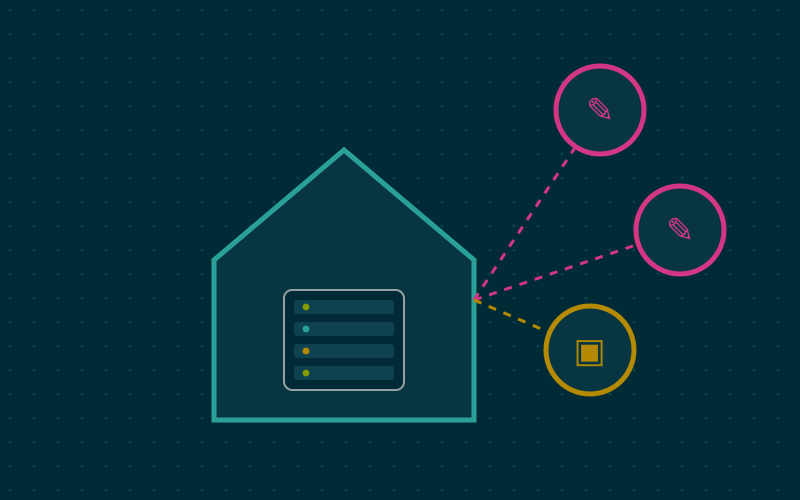
The traditional method is port forwarding: you configure the router to forward incoming connections on a port (typically 443) to the home server, where a reverse proxy dispatches requests to the various services.
Advantages
- no intermediary: traffic arrives directly at home;
- works with any client, including friends' and relatives' devices with no extra software;
- performance is limited only by the line.
Disadvantages
- the service is visible to anyone on the Internet and will be scanned automatically, constantly;
- every vulnerability in the reverse proxy or the exposed applications becomes exploitable from outside;
- it does not work if the provider uses CGNAT, that is, shares the same public address among several customers.
If you take this route, you need timely updates, HTTPS everywhere, strong authentication and a system that blocks repeated attempts.
2. A reverse tunnel to an external service
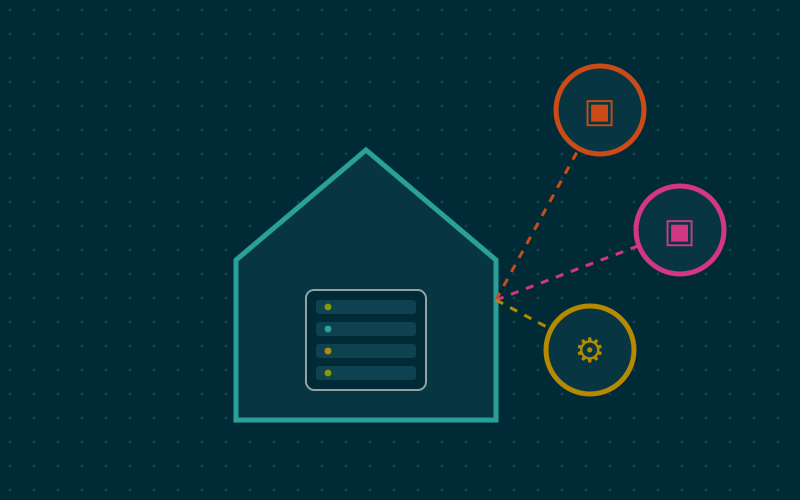
With a reverse tunnel, the home server establishes an outbound connection to an external service, which then receives requests from the public and forwards them through the tunnel. The most widespread example is Cloudflare Tunnel, with the cloudflared program; there are also open source alternatives you can host on a small virtual server.
Advantages
- no open ports on the router;
- works behind CGNAT too;
- the home IP address is not exposed;
- the provider can add protections and access controls in front of the service.
Disadvantages
- with a commercial service, TLS encryption is terminated at the provider, which can therefore see the traffic in clear;
- you depend on the provider's terms of use, which may restrict some kinds of content, such as video streaming;
- if the provider has a problem, the services are unreachable.
Hosting the entry point on your own virtual server, connected to home with WireGuard, removes the problem of TLS termination at a third party, at the cost of one more system to maintain.
3. A private mesh network
The third route is to expose nothing to the public: your own devices join a private network and reach the services as if they were at home. Modern solutions, such as Tailscale or the open source Headscale project that reimplements its coordination server, are based on WireGuard and create direct links between devices, traversing NAT when possible.
Advantages
- minimal attack surface: the services are not visible from the Internet;
- works behind CGNAT;
- each device is authenticated individually and can be revoked.
Disadvantages
- every device that needs access requires the client installed and running;
- not suited to sharing a service with outsiders, such as an album with friends;
- with a commercial coordination service, you depend on a third-party account, even though traffic remains end-to-end encrypted.
Quick comparison
| Criterion | Open port | Reverse tunnel | Mesh network |
|---|---|---|---|
| Open ports on the router | yes | no | no |
| Works with CGNAT | no | yes | yes |
| Visible from the Internet | yes | yes | no |
| Client to install | no | no | yes |
| Intermediary on traffic | no | yes, if commercial | coordination only |
A mixed strategy
In my work, the setup I recommend most often is hybrid:
- everything behind the private network by default: admin panels, password manager, document archive, home automation;
- public exposure only for what must be shared with outsiders, such as a link to an album or a service used by relatives without technical skills;
- never expose management interfaces of routers, hypervisors, NAS devices or databases.
This split drastically reduces the number of components that must be perfect at all times.
Questions to ask before exposing a service
- Who needs access, and from which devices?
- Does the service have solid authentication, with a second factor?
- How quickly are security fixes released, and can I apply them in time?
- What happens if someone gets in: what data do they see, what other systems can they reach?
- Can I notice unusual access, by reading logs or receiving notifications?
If any of these questions lacks a clear answer, the private network is the more cautious choice.
In short
- How you expose services is the most important security choice in self-hosting.
- Port forwarding is direct but makes everything visible and does not work with CGNAT.
- Reverse tunnels avoid open ports, but a commercial provider sees the traffic.
- WireGuard-based mesh networks offer the smallest attack surface, at the cost of a client on each device.
- A mixed strategy, private by default and public only where needed, is often the best.