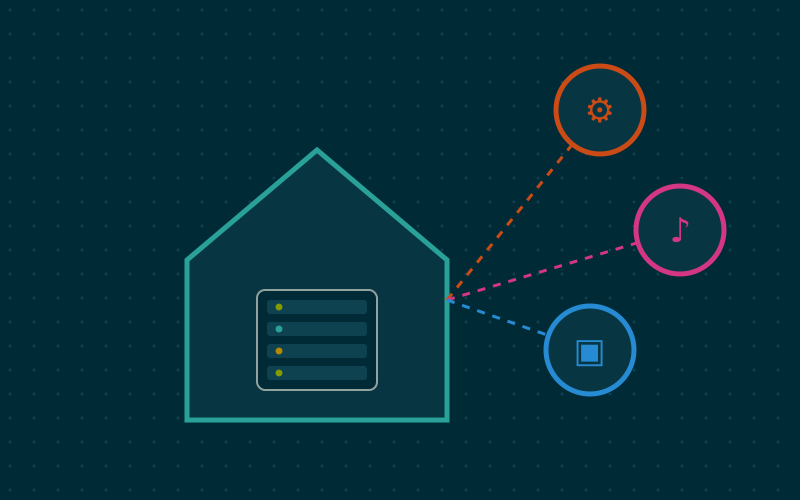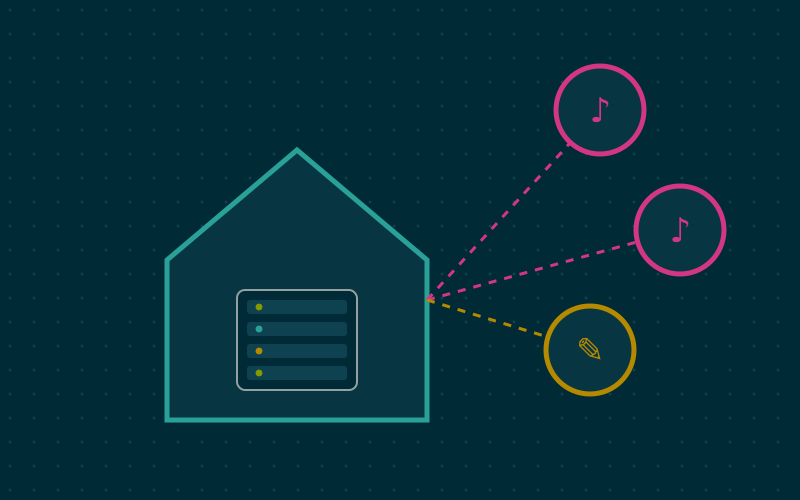
A home server does many things when nobody is watching: nightly backups, updates, disk checks. The problem is knowing when something goes wrong. Alert emails often end up in a folder nobody opens, and many commercial notification services require accounts and keys with third parties. ntfy is a free and remarkably simple push notification service: you send a message with an HTTP request and it reaches your phone a moment later.
How it works
ntfy is organised around topics. A topic is simply a name, for example home-backup. Whoever wants to receive messages subscribes to the topic from the Android or iOS app, or from the browser. Whoever wants to send publishes a message to that topic with an ordinary HTTP request. No libraries, SDKs or registrations are needed: any tool that can make a web request will do.
The simplest send, from any script:
curl -d "Nightly backup completed" https://ntfy.home.example/home-backup
The server is available as a single binary or a container image, uses very few resources and is configured with a YAML file.
Richer messages
HTTP headers let you enrich the message without complicating the script:
| Header | Effect |
|---|---|
Title |
Notification title |
Priority |
From 1 (minimum) to 5 (maximum); maximum rings and vibrates insistently |
Tags |
Labels and emoji shown next to the title |
Click |
Address to open when the notification is tapped |
Actions |
Buttons with actions, such as opening a page or sending a request |
An example for a backup error:
curl -H "Title: Backup failed" -H "Priority: 4" -H "Tags: warning" \
  -d "The external disk is not responding" https://ntfy.home.example/home-backup
Using priorities with judgement matters: if everything is urgent, nothing is. I reserve the highest priority for problems that need immediate action, such as a disk reporting errors, and use low priority for routine reports.
Protecting topics
By default, an ntfy server lets anyone who knows a topic name read and write to it. On a private instance it is better to reverse the logic:
- Set default access to «deny all» (
auth-default-access: deny-all) and specify the user database file (auth-file). - Create a user for the phone, with read-only permission on the topics it needs to receive.
- Create access tokens for the scripts and services that send, with write-only permission.
That way a compromised script can at most send messages, and anyone who finds the topic name cannot read them.
Delivery on iPhone
On Android the ntfy app can keep a direct connection to your own server and receive messages instantly. On iOS, push notifications must go through Apple's service, which accepts messages only from authorised servers. For this reason a private instance is configured with the upstream-base-url option pointing to the project's public server: when a message arrives, your server sends the public server only a wake-up signal, and the app then fetches the content from the home server. The text of the message does not pass through the public server.
What to connect
Many services support ntfy directly or through generic webhooks. Some practical ideas:
- Backups: a message at the end of each run, with high priority only on error.
- Disk health: alerts when SMART checks detect problems.
- Service monitoring: many uptime-checking tools include ntfy among their notification channels.
- Available updates: tools that watch for new image versions can send a summary.
- Logins: a message when someone logs into the server over SSH, sent by a login script.
It does not replace monitoring
ntfy delivers messages: it does not notice on its own that something has stopped. If the home server switches off, no script will send the alert. To cover this case too, you need an external check that notices the absence of signals, for example a service that expects a periodic «heartbeat» and alerts you when it does not arrive. Hosting ntfy on the same machine you want to watch is convenient, but keep this limitation in mind.
In short
- ntfy sends push notifications with a simple HTTP request, without external accounts.
- Titles, priorities, tags and actions are added through headers.
- On a private instance, deny everything by default and use users and tokens with minimal permissions.
- On iOS, instant delivery goes through a public server that receives only the wake-up signal.
- Noticing a server that has gone dark also requires an external check.