A UPS on its own does not protect your data: it only buys a few minutes. If nothing shuts the machines down before the battery runs out, the server dies abruptly exactly as it would without a UPS, just a little later. The missing piece is software that reads the UPS status and starts an orderly shutdown. In the Linux world the de facto standard is NUT, Network UPS Tools.
How NUT is built
NUT has three parts, which can run on the same machine or on different ones:
- driver: talks to the UPS, usually over USB, sometimes over serial or network; most USB models use the
usbhid-upsdriver; - upsd: the server that makes the driver's data available on the network;
- upsmon: the client that watches the status and decides when to shut down the machine it runs on.
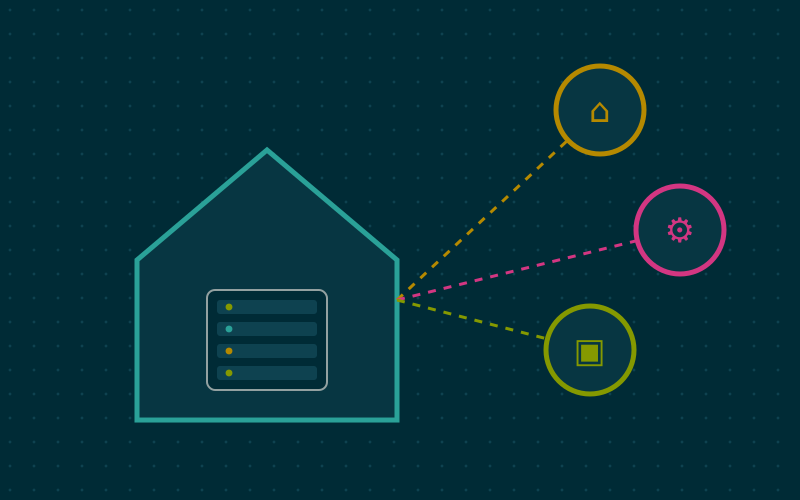
In a typical homelab the UPS is connected by USB to a single device, which acts as the NUT server. Every other machine powered by the same UPS runs only upsmon in secondary mode and listens to the server over the network.
Choosing the server
The NUT server should be the last machine to shut down, because it has to keep informing the others. Common options:
- the virtualisation host, if there is only one;
- a small low-power computer, such as a single-board computer, dedicated to this and a few other jobs;
- the NAS, many of which already include a NUT server you can enable from the interface.
Avoid using a virtual machine as the server: if the host stops because of a problem, the server disappears and the clients receive no more information.
Essential configuration
The main files usually live in /etc/nut/. A stripped-down example.
In ups.conf you declare the UPS:
[home]
  driver = usbhid-ups
  port = auto
  desc = "Rack UPS"
In nut.conf you set the mode: MODE=netserver on the server, MODE=netclient on the clients.
In upsd.users you create a user for the clients, with a strong password. In upsd.conf you set the address to listen on, limited to the internal network.
On the client, in upsmon.conf, one line connects the machine to the remote UPS:
MONITOR home@192.168.10.5 1 nut-user longpassword secondary
The upsc home command shows every variable the UPS exposes: battery charge, estimated runtime, mains status, load. It is the first test to run.
When to shut down: thresholds
By default upsmon starts the shutdown when the UPS reports low battery (status LB). The low-battery threshold is decided by the UPS, and on some models it can be changed through NUT. The problem is that with ageing batteries, the remaining runtime at that point may be shorter than the time needed to shut everything down.
More cautious strategies:
- use
upsschedto start the shutdown after a set number of minutes on battery, say five, regardless of charge; - shut down less important machines first, to stretch the runtime of the essential ones;
- think about order: virtual machines first, then physical clients, finally the host and the NUT server.
On the virtualisation host, a system shutdown stops the virtual machines cleanly, provided they have the guest agent installed or respond to the ACPI signal. Check the timeouts: a VM running a database may need longer than expected.
The often forgotten detail: switching off the UPS
Once the servers have stopped, the NUT server can tell the UPS to switch itself off. This serves a specific purpose: if power returns while the machines are already off but the UPS is still on, the servers see no interruption and stay off. By switching the UPS output off and on again, machines set in the BIOS to power on when power returns start up by themselves.
So you need to:
- set the power-on-after-power-loss option in the BIOS of every machine;
- check that the NUT server sends the UPS shutdown command as its last step.
Testing for real
An untested configuration is not reliable. In my work I do this:
- with everything running, I simulate the event with
upsmon -c fsd, which forces the shutdown as if the battery were low, and watch the order in which machines stop; - at a quiet moment, I actually unplug the UPS and time the real runtime and the shutdown duration;
- I plug it back in and check that everything comes back without intervention.
Repeat the real test periodically, because batteries lose capacity over the years.
Notifications
upsmon can run a script on every event: switching to battery, mains returning, battery needing replacement. Hooking it up to email or a notification service lets you know there has been a power cut even when you are away from home.
In short
- The UPS buys time; NUT turns that time into an orderly shutdown.
- One NUT server connected by USB, every other device as a network client.
- Shutting down after a few minutes on battery is safer than waiting for the low-battery threshold.
- Power-on-after-loss in the BIOS and a final UPS shutdown make everything restart by itself.
- Test the setup by really pulling the plug, and repeat over time.